## Introduction

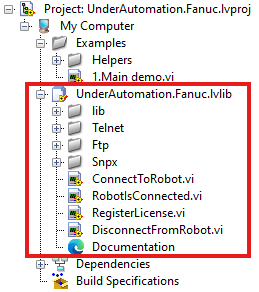
The library is a set of .vi files grouped under a library `UnderAutomation.Fanuc.lvlib` and allows you to communicate with Fanuc robots using LabVIEW.

📌 **Download:** <Link href="https://github.com/underautomation/Fanuc.vi/releases" target="_blank">📥 UnderAutomation.Fanuc.lvlib</Link>

<p align="center">
  <img src="https://raw.githubusercontent.com/underautomation/Fanuc.vi/refs/heads/main/.github/assets/project-items.png" />
</p>

This library enables you to :

- 📖 **Read/Write Variables:** Access and modify system variables.
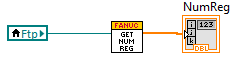
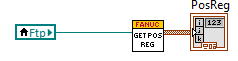
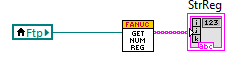
- 🔄 **Register Control:** Read/write registers for positions, numbers, and strings.
- 🎬 **Program Control:** Run, abort, and reset programs.
- 🔔 **Alarm Management:** Reset alarms and view alarm history.
- ⚡ **I/O Control:** Manage ports and I/O values (UI, UO, GI, GO, etc.).
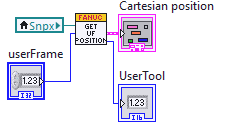
- 🔍 **State Monitoring:** Get safety status, position, diagnostics, and more.
- 📂 **File Management:** Easily manipulate files.

---

## 📺 Demonstration Video

<p align="center">
  <iframe
    width="560"
    height="315"
    style={{ maxWidth: '100%' }}
    src="https://www.youtube.com/embed/r0EadczJwOU"
    title="Connect your Fanuc Robot to LabVIEW"
    frameBorder="0"
    allow="accelerometer; autoplay; clipboard-write; encrypted-media; gyroscope; picture-in-picture; web-share"
    allowFullScreen="true"
  ></iframe>
</p>

---

## 📥 Download Example Applications

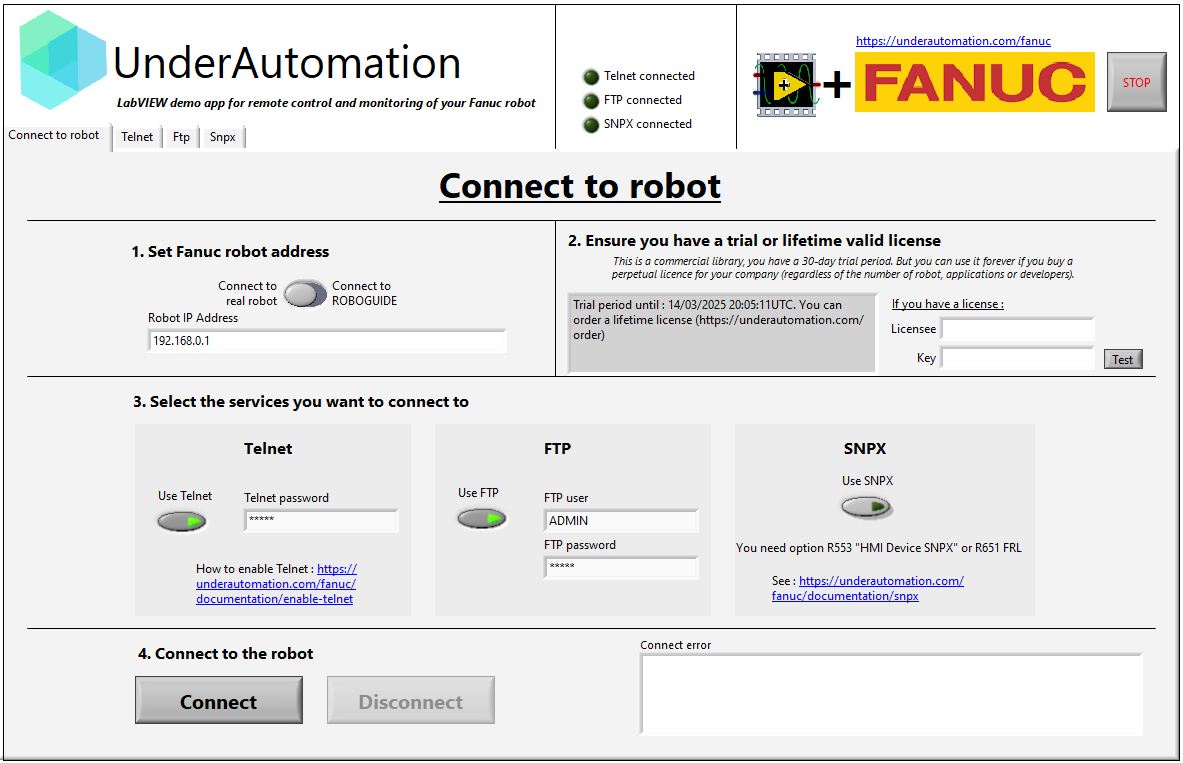
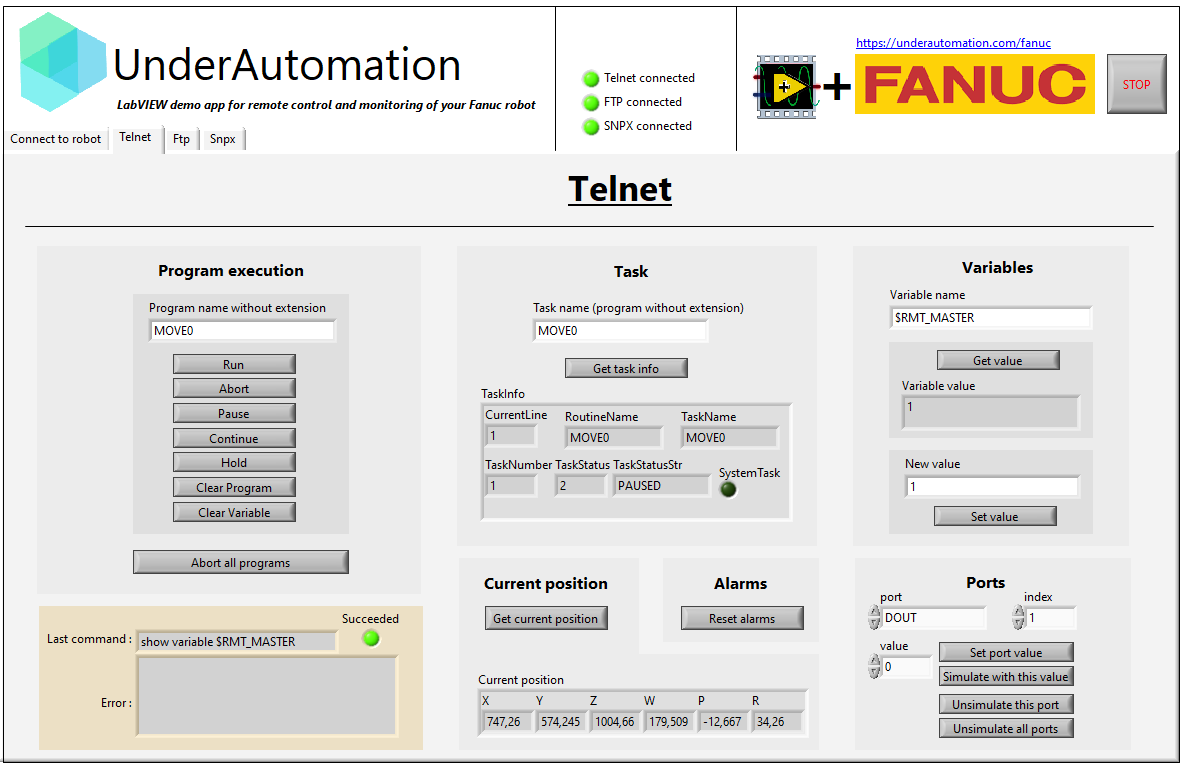
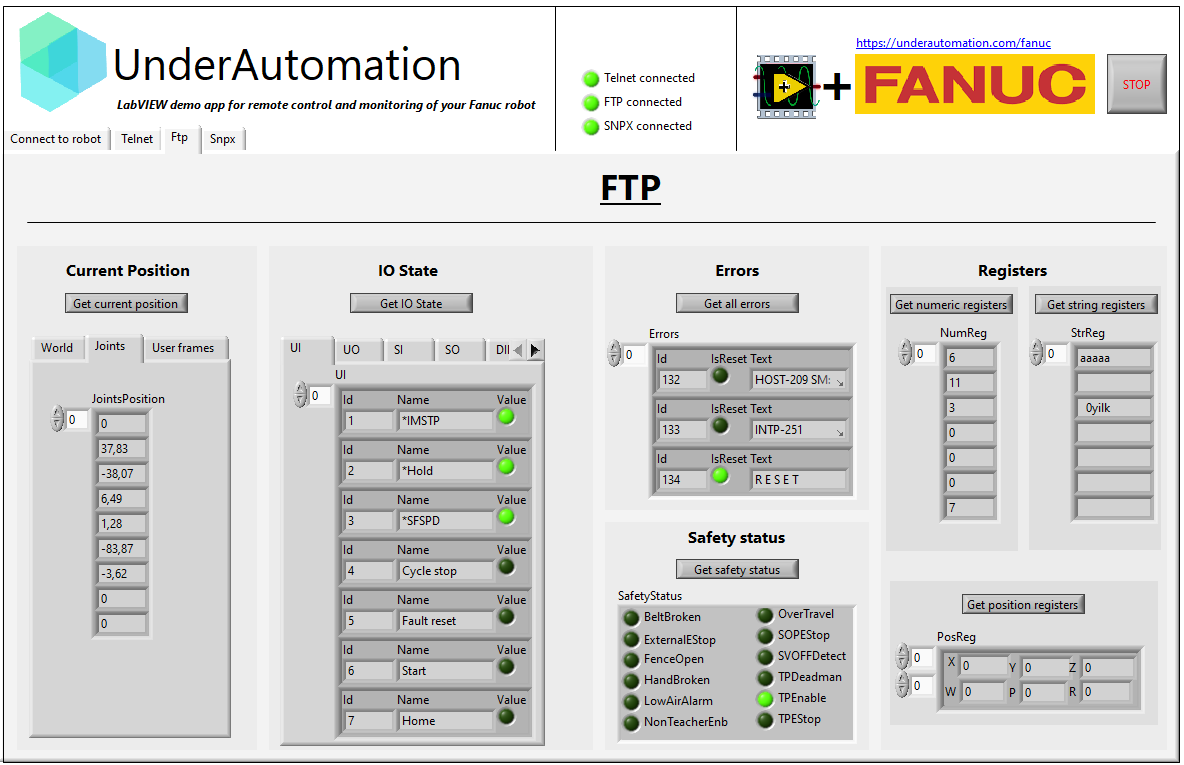
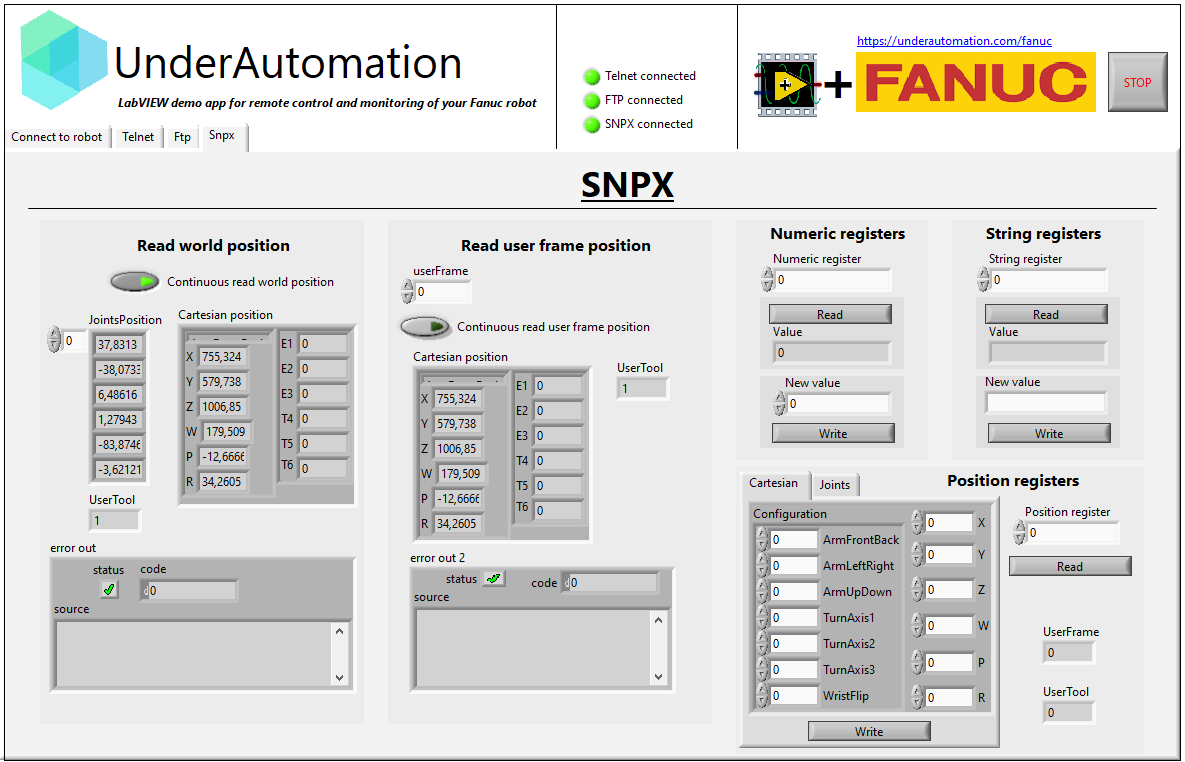
Explore the **Fanuc SDK** with fully functional example applications for your LabVIEW version.

📌 **Download:** <Link href="https://github.com/underautomation/Fanuc.vi/releases" target="_blank">📥 UnderAutomation.Fanuc.lvproj</Link>

<p align="center">
  <img
    height="250"
    src="https://raw.githubusercontent.com/underautomation/Fanuc.vi/refs/heads/main/.github/assets/main-demo-connect-to-robot.png"
  />
  <img
    height="250"
    src="https://raw.githubusercontent.com/underautomation/Fanuc.vi/refs/heads/main/.github/assets/main-demo-telnet.png"
  />
</p>
<p align="center">
  <img
    height="250"
    src="https://raw.githubusercontent.com/underautomation/Fanuc.vi/refs/heads/main/.github/assets/main-demo-ftp.png"
  />
  <img
    height="250"
    src="https://raw.githubusercontent.com/underautomation/Fanuc.vi/refs/heads/main/.github/assets/main-demo-snpx.png"
  />
</p>

---

# 📦 Github Repository

👉 **The example and the library are available on <Link href="https://github.com/underautomation/Fanuc.vi" target="_blank">GitHub</Link>**.

Don't hesitate to **raise an issue** if you have any questions, **fork** to suggest improvements, and of course, **⭐ star** it if you like it!

<p align="center">
  <Link href="https://github.com/underautomation/Fanuc.vi" target="_blank">
    <img
      width="100%"
      style={{ maxWidth: '500px' }}
      src="https://opengraph.githubassets.com/8a0325ec4e54faacbae029716fc6fb4b29f47784e93fafa76bd7f80e3da8562f/underautomation/Fanuc.vi"
      alt="Fanuc.vi"
    />
  </Link>
</p>
---

## 📌 Features

### 🖧 Connect to the robot

`ConnectToRobot.vi` allows you to connect to the robot using its IP address. Booleans enable or disable connection via `Telnet`, `FTP` and `SNPX` protocols. Telnet also requires a password. For FTP, you need to enter the user and password.
This VI returns an instance of the robot and of each protocol. These returned values are to be used as input to the VIs described below.

![Connect to robot](https://raw.githubusercontent.com/underautomation/Fanuc.vi/refs/heads/main/.github/assets/ConnectToRobot.png)

---

### 🖥️ Remote Control via Telnet KCL

Telnet KCL allows you to send commands to a Fanuc robot, such as resetting alarms, writing variables, setting an IO, and more. This feature is natively available on all Fanuc robots without requiring any additional options.

To ensure that Telnet is available on your robot or your ROBOGUIDE project, please follow this guide:

<p align="center">
  <Link href="https://underautomation.com/fanuc/documentation/enable-telnet" target="_blank">
    ↗️ Enable TELNET on your robot
  </Link>
</p>

#### Run

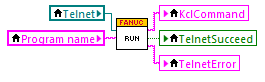
To run a program, you need the following conditions :

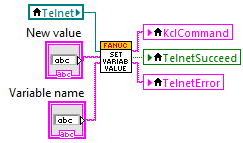
- Set `$RMT_MASTER = 1` and `$REMOTE_CFG.$REMOTE_TYPE=1` (you can use `SetVariableValue.vi`)
- Turn the TP switch to off
- Reset alarms
![Run](https://raw.githubusercontent.com/underautomation/Fanuc.vi/refs/heads/main/.github/assets/telnet-Run.png)

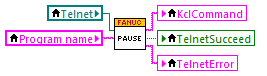
#### Pause

![Pause](https://raw.githubusercontent.com/underautomation/Fanuc.vi/refs/heads/main/.github/assets/telnet-Pause.png)

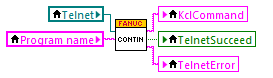
#### Continue

![Continue](https://raw.githubusercontent.com/underautomation/Fanuc.vi/refs/heads/main/.github/assets/telnet-Continue.png)

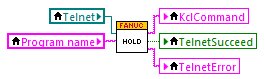
#### Hold

![Hold](https://raw.githubusercontent.com/underautomation/Fanuc.vi/refs/heads/main/.github/assets/telnet-Hold.png)

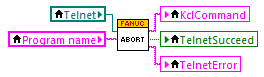
#### Abort

![Abort](https://raw.githubusercontent.com/underautomation/Fanuc.vi/refs/heads/main/.github/assets/telnet-Abort.png)

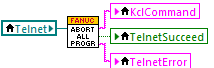
#### Abort all programs

![Abort all programs](https://raw.githubusercontent.com/underautomation/Fanuc.vi/refs/heads/main/.github/assets/telnet-AbortAllPrograms.png)

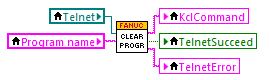
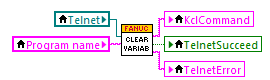
#### Clear program

![Clear program](https://raw.githubusercontent.com/underautomation/Fanuc.vi/refs/heads/main/.github/assets/telnet-ClearProgram.png)

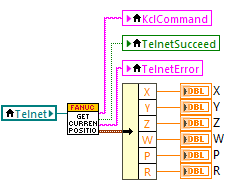
#### Get current position

![Get current position](https://raw.githubusercontent.com/underautomation/Fanuc.vi/refs/heads/main/.github/assets/telnet-GetCurrentPosition.png)

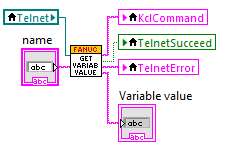
#### Get variable value

![Get variable value](https://raw.githubusercontent.com/underautomation/Fanuc.vi/refs/heads/main/.github/assets/telnet-GetVariableValue.png)

#### Set variable value

![Set variable value](https://raw.githubusercontent.com/underautomation/Fanuc.vi/refs/heads/main/.github/assets/telnet-SetVariableValue.png)

#### Clear variables

![Clear variables](https://raw.githubusercontent.com/underautomation/Fanuc.vi/refs/heads/main/.github/assets/telnet-ClearVariables.png)

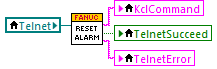
#### Reset alarms

![Reset alarms](https://raw.githubusercontent.com/underautomation/Fanuc.vi/refs/heads/main/.github/assets/telnet-ResetAlarms.png)

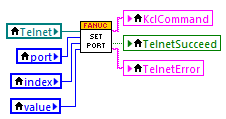
#### Set port

![Set port](https://raw.githubusercontent.com/underautomation/Fanuc.vi/refs/heads/main/.github/assets/telnet-SetPort.png)

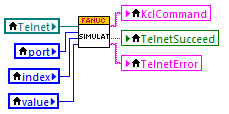
#### Simulate

![Simulate](https://raw.githubusercontent.com/underautomation/Fanuc.vi/refs/heads/main/.github/assets/telnet-Simulate.png)

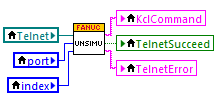
#### Unsimulate

![Unsimulate](https://raw.githubusercontent.com/underautomation/Fanuc.vi/refs/heads/main/.github/assets/telnet-Unsimulate.png)

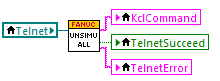
#### Unsimulate all

![Unsimulate all](https://raw.githubusercontent.com/underautomation/Fanuc.vi/refs/heads/main/.github/assets/telnet-UnsimulateAll.png)

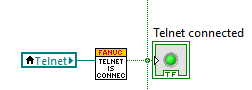
#### Telnet is connected

![Telnet is connected](https://raw.githubusercontent.com/underautomation/Fanuc.vi/refs/heads/main/.github/assets/telnet-TelnetIsConnected.png)

---

### 📂 File & Variable Management via FTP Memory Access

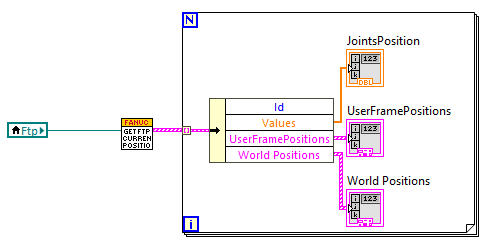
FTP (File Transfer Protocol) provides access to internal controller files, as well as fast parsing and decoding, including .va variable files and .dg diagnostic files.

#### Get current position
![Get current position](https://raw.githubusercontent.com/underautomation/Fanuc.vi/refs/heads/main/.github/assets/ftp-GetCurrentPosition.png)

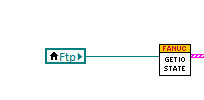
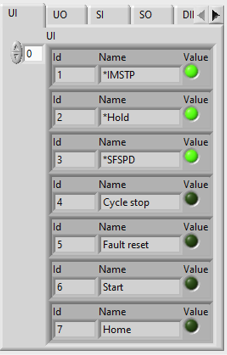
#### Get IO states

![Get IO states](https://raw.githubusercontent.com/underautomation/Fanuc.vi/refs/heads/main/.github/assets/ftp-GetIOStates.png)

![Get IO states front](https://raw.githubusercontent.com/underautomation/Fanuc.vi/refs/heads/main/.github/assets/ftp-GetIOStates-front.png)

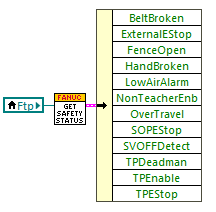
#### Get safety status

![Get safety status](https://raw.githubusercontent.com/underautomation/Fanuc.vi/refs/heads/main/.github/assets/ftp-GetSafetyStatus.png)

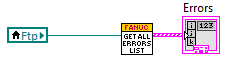
#### Get all errors list

![Get all errors list](https://raw.githubusercontent.com/underautomation/Fanuc.vi/refs/heads/main/.github/assets/ftp-GetAllErrorsList.png)

#### Get numeric registers

![Get numeric registers](https://raw.githubusercontent.com/underautomation/Fanuc.vi/refs/heads/main/.github/assets/ftp-GetNumericRegisters.png)

#### Get position registers

![Get position registers](https://raw.githubusercontent.com/underautomation/Fanuc.vi/refs/heads/main/.github/assets/ftp-GetPositionRegisters.png)

#### Get string registers

![Get string registers](https://raw.githubusercontent.com/underautomation/Fanuc.vi/refs/heads/main/.github/assets/ftp-GetStringRegisters.png)

---

### 🚀 High-Speed Data Exchange via SNPX (RobotIF)

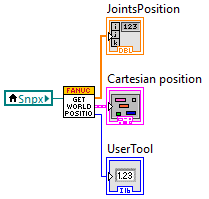
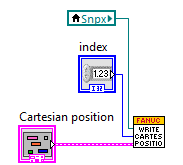
SNPX (Also known as RobotIF, Robot Interface, or SRTP) allows for quick reading and writing of data on the robot.

TCP port Robot IF Server (by default 60008) should be accessible on your controller.

To enable SNPX on your robot, you need one of the following option :

- If R650 FRA params is selected (Option "FANUC America Corp." in "Advanced" tab of ROBOGUIDE "Worcell creation wizard - Step 7 Robot options"), R553 "HMI Device SNPX" is needed.
- If R651 FRL Params is selected (Option "FANUC Ltd." in this "Advanced" tab), no option is needed.

#### Get world position
![Get world position](https://raw.githubusercontent.com/underautomation/Fanuc.vi/refs/heads/main/.github/assets/snpx-GetWorldPosition.png)

#### Get user frame position

![Get user frame position](https://raw.githubusercontent.com/underautomation/Fanuc.vi/refs/heads/main/.github/assets/snpx-GetUserFramePosition.png)

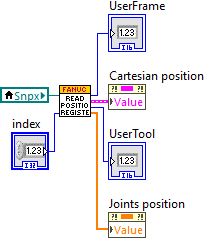
#### Read position register

![Read position register](https://raw.githubusercontent.com/underautomation/Fanuc.vi/refs/heads/main/.github/assets/snpx-ReadPosition-Register.png)

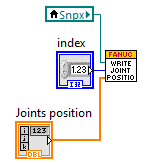
#### Write position register

- Write cartesian position
![Write cartesian position register](https://raw.githubusercontent.com/underautomation/Fanuc.vi/refs/heads/main/.github/assets/snpx-WriteCartesianPositionRegister.png)

- Write joints position

![Write joints position register](https://raw.githubusercontent.com/underautomation/Fanuc.vi/refs/heads/main/.github/assets/snpx-WriteJointsPositionRegister.png)

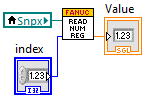
#### Read numeric register

![Read numeric register](https://raw.githubusercontent.com/underautomation/Fanuc.vi/refs/heads/main/.github/assets/snpx-ReadNumericRegister.png)

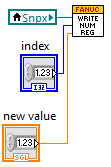
#### Write numeric register

![Write numeric register](https://raw.githubusercontent.com/underautomation/Fanuc.vi/refs/heads/main/.github/assets/snpx-WriteNumericRegister.png)

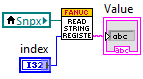
#### Read string register

![Read string register](https://raw.githubusercontent.com/underautomation/Fanuc.vi/refs/heads/main/.github/assets/snpx-ReadStringRegister.png)

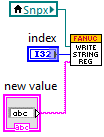
#### Write string register

![Write string register](https://raw.githubusercontent.com/underautomation/Fanuc.vi/refs/heads/main/.github/assets/snpx-WriteStringRegister.png)

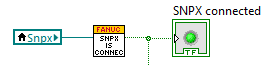
#### SNPX is connected

![SNPX is connected](https://raw.githubusercontent.com/underautomation/Fanuc.vi/refs/heads/main/.github/assets/snpx-SnpxIsConnected.png)

---

### 📜✅ Register License

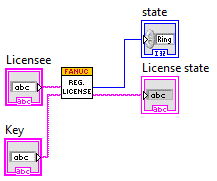
You have 30 days free trial. For a long term use, you need to buy a license ([See pricing](https://underautomation.com/pricing)). Then, we will send you a license key and you will just have to specify it as input of `RegisterLicense.vi`.

This VI must be called every time the application is started. It authorizes the call to `ConnectToRobot.vi` without license errors.
![Register License](https://raw.githubusercontent.com/underautomation/Fanuc.vi/refs/heads/main/.github/assets/RegisterLicense.png)