Discover controllers on the network
Find the ABB controllers of the local network and the virtual controllers of this machine, without a license and without an existing connection.
Before you connect, you may not know the address of the robot, or a virtual controller may be running on a port RobotStudio chose for you. AbbController.Discover finds ABB controllers without opening a connection and without a license.
Search the network
The search lasts a fixed time, two seconds by default. Two ways of finding a controller run at the same time: listening for the announcements the controllers of the network send, and testing the ports of this machine, which is what finds a virtual controller of RobotStudio whatever port it was given.
static void Main(){// Looks for two seconds, no license and no connection neededDiscoveredController[] found = AbbController.Discover();foreach (var controller in found){Console.WriteLine($"{controller.SystemName} at {controller.Address}:{controller.Port}");Console.WriteLine($"RobotWare {controller.RobotWareVersion}, {(controller.UseHttps ? "HTTPS" : "HTTP")}");}}}
Only controllers on the same local network, and those running on this machine, are found. A firewall, a router or a virtual private network between your PC and the robot usually blocks the announcements and the port test.
Connect to a result
Each result is a DiscoveredController. Its ToConnectionParameters method builds parameters ready for Connect, with the address, the port, the scheme and the RWS version already set.
if (found.Length == 0)return;// ToConnectionParameters carries the address, the port, the scheme and the RWS version found.// The user name and the password keep their default values.AbbController robot = new AbbController();robot.Connect(found[0].ToConnectionParameters());Console.WriteLine(robot.Rws.Controller.GetIdentity().Name);
The user name and the password are not part of what a controller announces, so they keep their default values. Change them on the returned parameters if your controller uses a dedicated account.
What is known about a result
A controller found by its announcement carries its name and its RobotWare version, but its RWS version is only deduced from what it publishes. A controller found by testing the ports of this machine has no name, since a port alone says nothing about it, but its RWS version is certain because the controller was asked directly. Check IsVersionDetected before relying on ProbableVersion.
Asynchronous search
static async Task Main(){using (var cts = new CancellationTokenSource(TimeSpan.FromSeconds(5))){DiscoveredController[] found = await AbbController.DiscoverAsync(2000, cts.Token);foreach (var controller in found)Console.WriteLine(controller.Address);}}}
The asynchronous method is not available on .NET Framework 3.5 and 4.0, which have no async / await. Discover works there too, it simply blocks for the duration of the search.
Try it in the demo application
The connection screen of the demo application uses DiscoverAsync to fill its list of controllers.
Everything on this page can be tried without writing code, in the Connection page of the demo application.
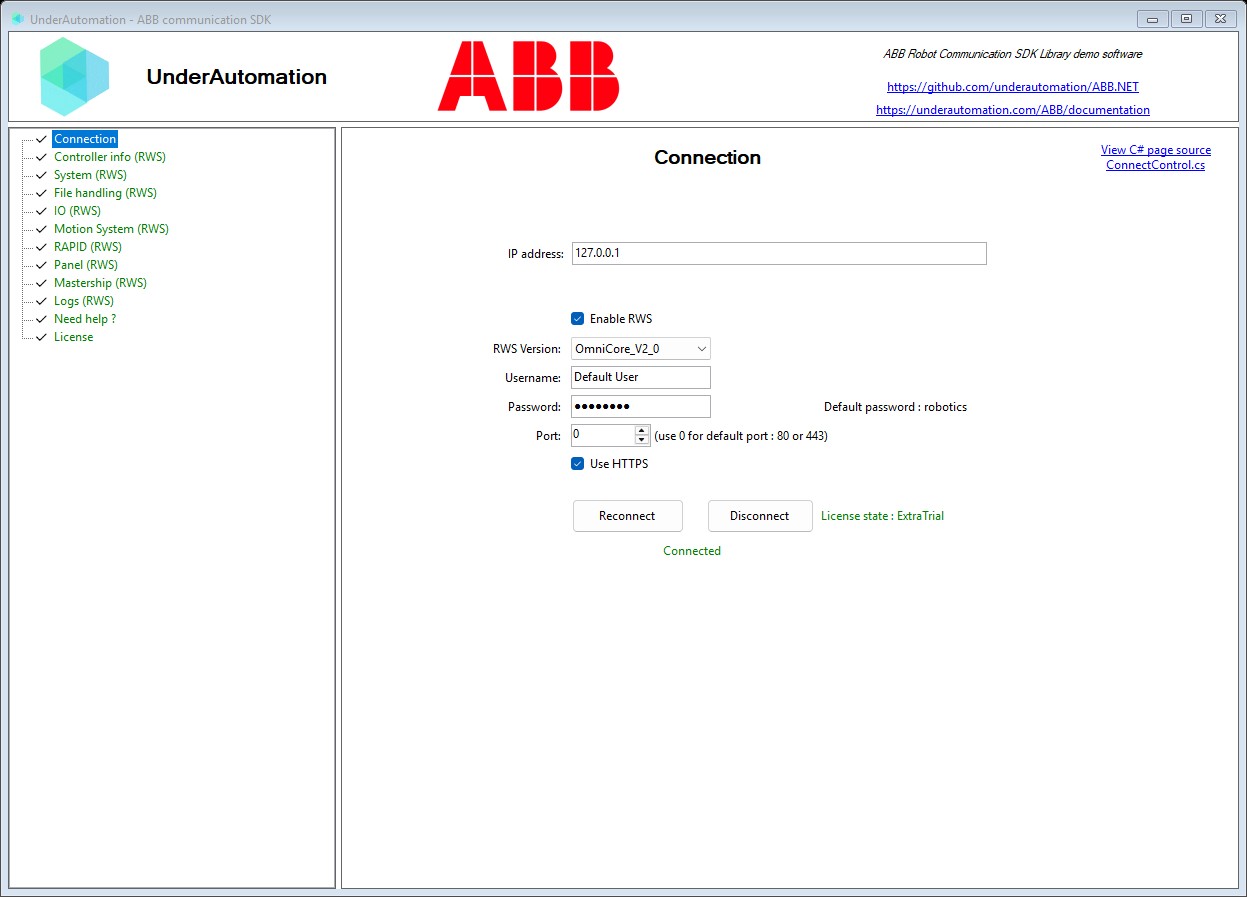
The demo application is open source. The C# source of this page is ConnectControl.cs.
API reference
An ABB robot controller found on the local network. Returned by Discover(int).
| Member | Type | Description |
|---|---|---|
Address Property read only | string | IPv4 address of the controller |
InstanceName Property read only | string | Full name the controller publishes on the network. It contains SystemName. Null when the controller did not announce itself. |
IsVersionDetected Property read only | bool | True when ProbableVersion is more than a guess. It is always true for a controller found by testing the ports of this machine, because the controller was asked. For a controller heard announcing itself, it is false when the announcement did not carry what the version is deduced from, and ProbableVersion then holds the most common value rather than a deduction. |
PcSdkPort Property read only | int | Port of the PC SDK interface of the controller, or 0 when the controller does not publish it. This SDK does not use that interface, the value is given for information. |
Port Property read only | int | Port the Robot Web Services interface listens on. A virtual controller gets a new port from RobotStudio at every start, so this value is the reason to discover the controller instead of writing the port down. |
ProbableVersion Property read only | RwsVersion | RWS version this controller most probably speaks. This is deduced from what the controller publishes, not from a request sent to it. Check IsVersionDetected before relying on it. |
RobotWareVersion Property read only | string | RobotWare version of the controller, for example "7.21.0". Null when the controller does not publish it. Only OmniCore controllers do. |
SystemId Property read only | string | Unique identifier of the robot system. Null when the controller does not publish it. Only OmniCore controllers do. |
SystemName Property read only | string | Name of the robot system, as configured on the controller. Null when the controller was found by testing the ports of this machine rather than by hearing it announce itself, because a port tells nothing about the name. |
UseHttps Property read only | bool | True when the controller serves Robot Web Services over HTTPS. OmniCore controllers use HTTPS, IRC5 controllers use HTTP. |
ToConnectionParameters() Method | ConnectionParameters | Build connection parameters pointing at this controller, ready for Connect(ConnectionParameters). The address, the port, the scheme and the RWS version come from the discovery. The user name and the password keep their default values, change them if the controller needs other ones. |
ToString() Method | string | Returns a string representation of this controller |