Positions
Read the Cartesian position in mm and degrees, the joint pulses, the position error and the torque of a Yaskawa robot, a station or a base axis.
This page shows how to read the position of a Yaskawa Motoman robot with the SDK: the Cartesian position of the tool, the joint positions, the position error and the torque, for the robot, a station or base axes. All these methods only read: they work in any mode.
Cartesian position
GetRobotCartesianPosition() reads the position of the tool center point of the first robot, in mm and degrees.
var robot = new YaskawaRobot();robot.Connect("192.168.0.1");RobotPositionCartesianData position = robot.HighSpeedEServer.GetRobotCartesianPosition();// Tool center point in mm, orientation in degreesConsole.WriteLine($"X={position.X} Y={position.Y} Z={position.Z}");Console.WriteLine($"Rx={position.Rx} Ry={position.Ry} Rz={position.Rz}");// Frame, tool and posture of the positionConsole.WriteLine($"{position.DataType}, tool {position.ToolNumber}, user frame {position.UserCoordinateNumber}");Console.WriteLine(position.Form);robot.Disconnect();}
| Property | Content |
|---|---|
X, Y, Z | Position, in mm |
Rx, Ry, Rz | Orientation, in degrees |
DataType | Frame of the values, for example RobotCoordinateValue |
ToolNumber | Tool used for the position |
UserCoordinateNumber | User frame, when DataType is UserCoordinateValue |
Form | Posture of the robot, see Motion |
Keep the Form of a position when you send the robot back to it: the same Cartesian position can be reached with several postures.
Joint positions
GetRobotJointPosition() reads the position of each axis of the first robot, in encoder pulses.
var robot = new YaskawaRobot();robot.Connect("192.168.0.1");RobotPositionIntData joints = robot.HighSpeedEServer.GetRobotJointPosition();// One value per axis, in encoder pulses. Index 0 is the S axisint[] pulses = joints.Axes;Console.WriteLine(string.Join(", ", pulses));// The same values, axis by axisConsole.WriteLine($"S={joints.Axis1} L={joints.Axis2} U={joints.Axis3} R={joints.Axis4} B={joints.Axis5} T={joints.Axis6}");robot.Disconnect();}
Axes has 8 values. On a 6 axis robot, the indexes 0 to 5 are the axes S, L, U, R, B and T, and the indexes 6 and 7 are 0. Axis1 to Axis8 give the same values. Axis names gives the axes of your robot.
The pulses are the unit of the controller for the joints. The number of pulses per degree depends on the axis and on the robot model: it is a parameter of the controller. Send the pulses back to MoveJoints as they are, without conversion.
Position error and torque
GetPositionError() reads the difference between the command and the feedback of each axis, in pulses. GetTorque() reads the torque of each axis, in percent of the rated torque.
var robot = new YaskawaRobot();robot.Connect("192.168.0.1");// Difference between the command and the feedback of each axis, in pulsesRobotAxisIntData error = robot.HighSpeedEServer.GetPositionError();Console.WriteLine(string.Join(", ", error.Axes));// Torque of each axis, in percent of the rated torqueRobotAxisIntData torque = robot.HighSpeedEServer.GetTorque();Console.WriteLine(string.Join(", ", torque.Axes));robot.Disconnect();}
Read them in a loop during a move to see the load of each axis, or to detect a collision or a wear in your application.
In Python 2.2.0, these two methods take the control group, as in the code above.
Other control groups
A controller can drive several robots, base axes (travel tracks) and stations (positioners). GetRobotPosition(group), GetPositionError(group) and GetTorque(group) read the axes of one control group.
var robot = new YaskawaRobot();robot.Connect("192.168.0.1");// Second robot of the controller, in pulsesvar r2 = new RobotControlGroup(ControlGroup.RobotPulseValue, 2);RobotPositionIntData r2Joints = robot.HighSpeedEServer.GetRobotPosition(r2);// First base axis group (travel track), in pulsesvar b1 = new RobotControlGroup(ControlGroup.BasePulseValue, 1);RobotPositionIntData b1Axes = robot.HighSpeedEServer.GetRobotPosition(b1);// Torque of the base axesRobotAxisIntData b1Torque = robot.HighSpeedEServer.GetTorque(b1);robot.Disconnect();}
ControlGroup | Axes, unit | Number |
|---|---|---|
RobotPulseValue | Robot, in pulses | 1 to 8 (R1 to R8) |
RobotCartesian | Robot, Cartesian values of the controller | 1 to 8 |
BasePulseValue | Base axes, in pulses | 1 to 8 (B1 to B8) |
BaseCartesian | Base axes, Cartesian values | 1 to 8 |
GetRobotPosition returns the raw values of the controller. With a Cartesian group, Axes holds X, Y, Z in micrometers and Rx, Ry, Rz in 1/10000 degree. GetRobotCartesianPosition() does this conversion for the first robot.
RobotControlGroup.DefaultRobotCartesian and RobotControlGroup.DefaultRobotPulse are the groups of the first robot, in .NET.
Try it in the demo application
Everything on this page can be tried without writing code, in the Current position page of the demo application.
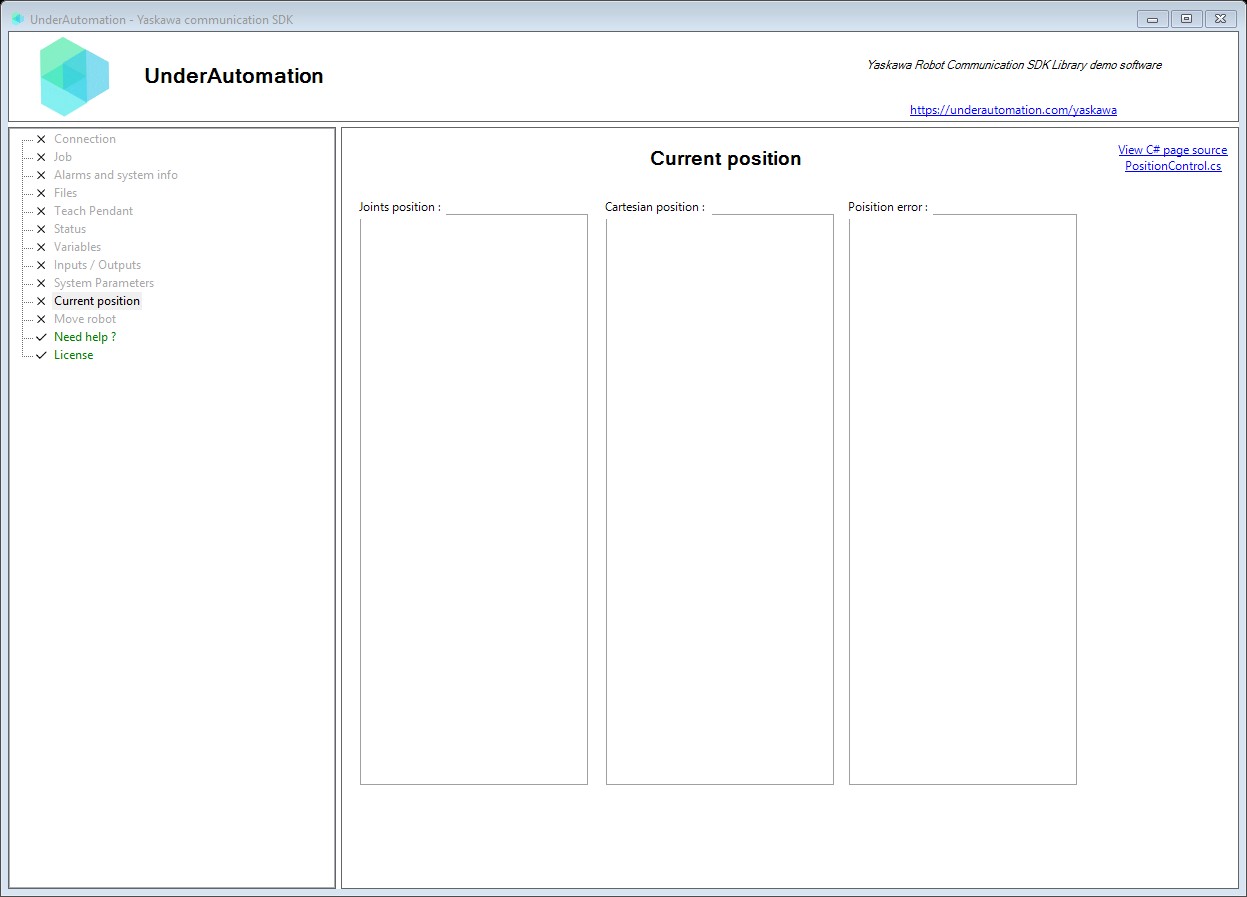
The demo application is open source. The C# source of this page is PositionControl.cs.
Reference
Methods of HighSpeedEServerClientBase :// Reads the position error (difference between commanded and actual position) for the default robot. Values indicate servo tracking error in pulse units.RobotAxisIntData GetPositionError();// Reads the position error for a specified control group. Position error indicates the difference between commanded and actual position.RobotAxisIntData GetPositionError(RobotControlGroup type);// Reads the current robot Cartesian position (TCP position and orientation). Coordinates are returned in millimeters for X, Y, Z and degrees for Rx, Ry, Rz.RobotPositionCartesianData GetRobotCartesianPosition();// Reads the current robot joint position in pulse (encoder) values. Returns raw pulse values for all robot axes.RobotPositionIntData GetRobotJointPosition();// Reads position data for a specified control group. Can read robot, base, or station position data depending on the control group specified.RobotPositionIntData GetRobotPosition(RobotControlGroup type);// Reads the current torque values for the default robot's servo motors. Torque values indicate motor load as a percentage of rated torque.RobotAxisIntData GetTorque();// Reads the current torque values for a specified control group's servo motors. Torque values indicate motor load as a percentage of rated torque.RobotAxisIntData GetTorque(RobotControlGroup type);
Represents Cartesian position data with coordinates in millimeters and degrees. This class provides human-readable position data converted from the raw protocol values.
| Member | Type | Description |
|---|---|---|
DataType Property read only | RobotPositionDataType | Gets the position data type indicating the coordinate system used. |
Form Property read only | RobotPosture | Gets the robot posture (form) data defining the kinematic configuration. |
Rx Property read only | double | Gets the rotation around X axis (Rx) in degrees. |
Ry Property read only | double | Gets the rotation around Y axis (Ry) in degrees. |
Rz Property read only | double | Gets the rotation around Z axis (Rz) in degrees. |
ToolNumber Property read only | int | Gets the tool number (TCP) used for this position. |
UserCoordinateNumber Property read only | int | Gets the user coordinate system number used for this position. |
X Property read only | double | Gets the X coordinate in millimeters. |
Y Property read only | double | Gets the Y coordinate in millimeters. |
Z Property read only | double | Gets the Z coordinate in millimeters. |
Represents robot position data with 32-bit integer axis values. This is the primary type used for pulse-based position data from the High Speed Ethernet Server. Axis values are in pulse units (encoder counts) or scaled coordinate values.
| Member | Type | Description |
|---|---|---|
RobotPositionIntData() Constructor | Creates a blank instance of RobotPositionIntData | |
RobotPositionIntData(RobotDataHeader) Constructor | Creates a new instance of RobotPositionIntData with the specified header information.
| |
ToCartesian() Method | RobotPositionCartesianData | Converts a Cartesian position to millimeters and degrees. |
Represents a robot control group combining a group type with an index. Used to specify which robot or station to query in multi-robot systems.
| Member | Type | Description |
|---|---|---|
RobotControlGroup(ControlGroup, int) Constructor | Creates a new RobotControlGroup with the specified group type and index.
| |
ByteValue Field | byte | The combined byte value sent to the robot controller (Group + Index). |
DefaultRobotCartesian Field static | RobotControlGroup | Default control group for Cartesian position of robot 1. |
DefaultRobotPulse Field static | RobotControlGroup | Default control group for pulse position of robot 1. |
Group Field | ControlGroup | The control group type (robot, base, station). |
Index Field | int | The index within the control group (e.g., robot number 1-8). |
Defines control group types for robot systems. Control groups organize different motion units within the robot system.
| Name | Value | Description |
|---|---|---|
BaseCartesian | 110 | Base axes in Cartesian coordinates. Valid index: 1-8. |
BasePulseValue | 10 | Base axes in pulse values. Valid index: 1-8. |
RobotCartesian | 100 | Robot axes in Cartesian coordinates. Valid index: 1-8. |
RobotPulseValue | 0 | Robot axes in pulse (encoder) values. Valid index: 1-8. |
StationPulseValue | 20 | Station axes in pulse values. Valid index: 1-24 (S1 to S24). |
Defines the coordinate system type for position data.
| Name | Value | Description |
|---|---|---|
BaseCoordinateValue | 16 | Position in base coordinate system (world frame, value 16). |
PulseValue | 0 | Position in encoder pulse values (joint space). |
RobotCoordinateValue | 17 | Position in robot coordinate system (robot base frame, value 17). |
ToolCoordinateValue | 18 | Position in tool coordinate system (value 18). |
UserCoordinateValue | 19 | Position in user-defined coordinate system (value 19). |