Connect your software to any industrial robot
UnderAutomation makes software libraries (SDKs) that let your .NET, Python, LabVIEW or Matlab application talk to Universal Robots, Fanuc, Yaskawa, ABB and Stäubli robots. Nothing to install on the robot.
From your code to the robot in 3 steps
The SDK is a translator between your software and the robot controller. You write simple commands, it speaks the native protocols of each brand.
Add the library
One package from NuGet or PyPI, or a LabVIEW or Matlab toolbox. No license manager, no USB key.
Connect by IP address
Nothing to install on the robot: the SDK uses the network protocols already in the controller.
Read, write, move
Positions, registers, I/O, programs, alarms and files, in a few lines of code.
1# pip install UnderAutomation.UniversalRobots2from underautomation.universal_robots.ur import UR34robot = UR()5robot.connect("192.168.0.1")67pose = robot.primary_interface.cartesian_info.as_pose()8robot.dashboard.load_program("pick_and_place.urp")9robot.dashboard.play()
One SDK for each robot brand
Same quality and same approach for every brand. Choose your robot to see what you can do with it.

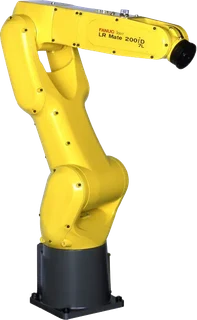

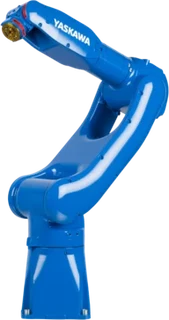


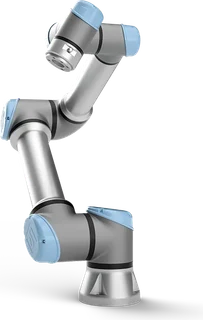
Plug & Play
Connect your robot in just a few minutes. No license manager to install, no USB key. Only reference the library.
No plugins to install on the robot
Use of network protocols provided as standard by the robot controller.URCaps Motoplus PCSDK Karel ROS
30-day trial
Try it free for 30 days, no commitment, no registration required
Pay once, use forever
Perpetual license, no subscription required, regardless of the number of robots, developers, or redistributed software

RTDE
Dashboard Server
Primary Interface
SSH
SFTP
Interpreter Mode
Socket
Telnet
FTP / SFTP
SNPX
RMI
Stream Motion
CGTP (HTTP / HTTPS)
High Speed Ethernet Server (HSES)
Ethernet Server (TCP)
FTP
HTTP
Robot Web Services 1.0
Robot Web Services 2.0
SOAP
FTP
One API for five robot brands
UnderAutomation.Robotics is one .NET library for Fanuc, Yaskawa, Universal Robots, ABB and Stäubli controllers. Programs, variables, signals, alarms, positions, moves and files: 79 methods in 10 services.
1using UnderAutomation.Robotics.Controllers;23var robot = new RobotController();4robot.Connect(new UnderAutomation.Fanuc.ConnectionParameters("192.168.0.10"));56robot.Program.Start("MAIN");7Console.WriteLine(robot.Motion.ReadPose());89robot.Disconnect();
Choose a brand: only the connect line changes.
The number of methods depends on the brand: from 40 of 79 on Stäubli to 76 of 79 on Fanuc. IsAvailable tells you before the call if the connected controller supports a method.
Robotics contains the five brand SDKs and adds the common API above them.
Keep your licenses
You own a license of an UnderAutomation SDK: replace the reference to UnderAutomation.Fanuc (or another brand) with UnderAutomation.Robotics and recompile. Same namespaces, same types, same RegisterLicense call, same license key.
- The maintenance of your key covers the release date of Robotics.
- Robotics contains your brand SDK in the version you use, or a later one.
- Your project references Robotics or the brand SDK, not both: they contain the same types.
- A key of one brand does not unlock the other brands. Each brand you connect needs its own key after the trial.
Made for everyone around the robot
Used in production around the world
24
Countries
6
Years of developments
400k
Code lines developed for you
5
Robot brands
Customer Success Stories
All customer stories




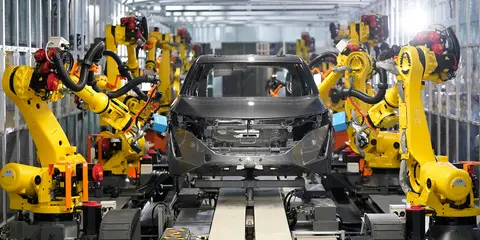

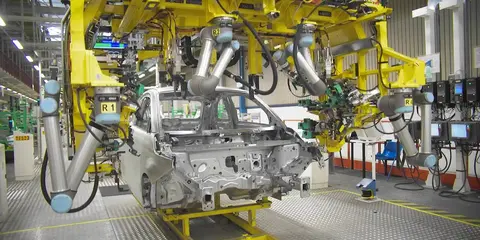

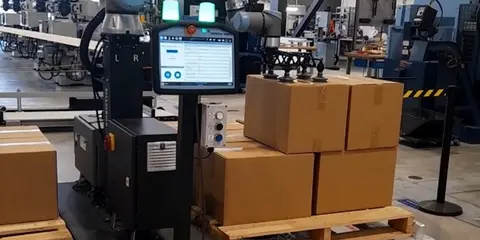
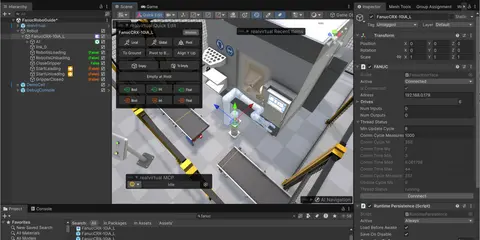

Testimonials
- Universal Robots SDK
With the UnderAutomation library and the Universal Robots simulator, companies can also quickly prototype a communication layer and start developing software, for example, supervision software, even before receiving their cobot. This solution saves a significant amount of time in development and integration.
 Jocelyn PeynetDirector France at Universal Robots A/S
- Fanuc .NET SDK
The UnderAutomation Fanuc SDK gave us a production-ready Fanuc transport layer in weeks instead of months. It covers everything our virtual-commissioning users need, including numeric and position registers and IO signals, and the support from Florent has been excellent whenever we hit an edge case. It is the reason our customers can simulate full Fanuc cells against real robot controllers inside realvirtual.io.
 Dr.-Ing. Thomas StriglFounder and CEO, realvirtual GmbH
- Fanuc .NET SDK
I've had a great experience working with UnderAutomation to integrate a UR arm into a custom .NET application. I was able to get the arm up and running MUCH faster than if I had to write my own .NET driver. There is nice documentation, with examples. The technical support has been some of the best I've experienced, in terms of quality of response and response time. Highly recommend!
 Joey LaabsEngineer at Twist Bioscience - USA
- Fanuc .NET SDK
Outstanding Software with Exceptional Tech Support. We were under a tight deadline to deliver a driver for the Fanuc CRX Arm, and Under Automation SDK proved to be a game-changer. Its intuitive interface and rich feature set made development remarkably smooth, helping us meet our deadline with confidence. The technical support team was responsive and knowledgeable, providing timely assistance whenever needed. Highly recommended for anyone working in industrial automation.
 HamidLab automation engineer - USA
- Fanuc .NET SDK
The Fanuc.NET SDK has been very helpful in developing commissioning and maintenance tools for our robots. The author is always quick to reply to any questions and concerns.
 Justin TremblayAGT Robotique - Canada
- Universal Robots SDK
The UnderAutomation SDK for Universal Robots proved its robustness and compatibility with the robot through continuous, high-speed synchronization. This enabled us to accelerate the development of our digital twin application. By handling the communication layer, it gave us more time to focus on operational optimization.
 Jérôme Gervais LavoieCNIMI - Drummondville, Quebec, Canada
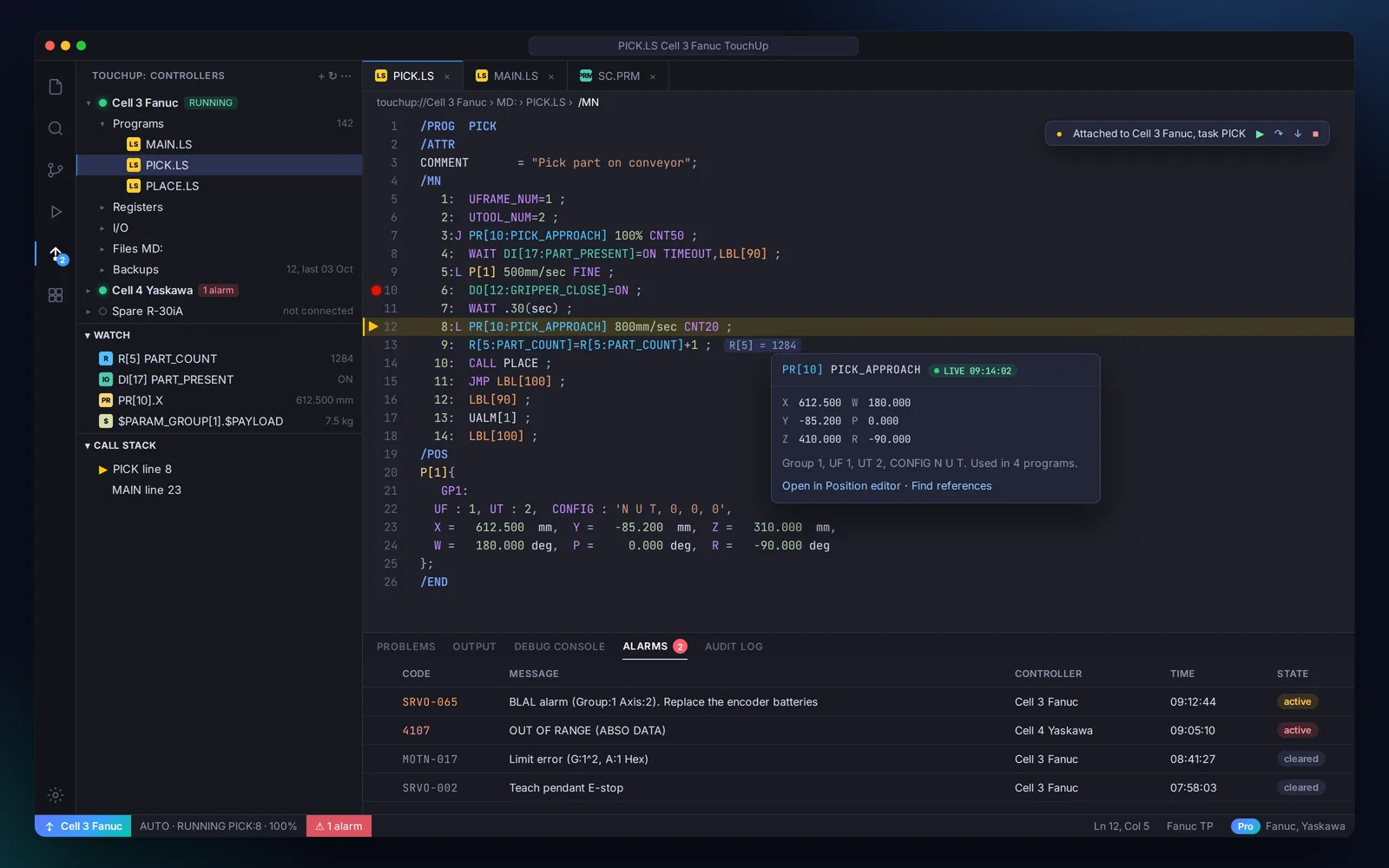
The modern workbench for industrial robots
TouchUp, our robot programming tool, is built on UnderAutomation.Robotics. It is in development: follow it now.

TouchUp
Robot IDE for the factory floorYour software
C# · Python · LabVIEW · Matlab
UnderAutomation.Robotics
One common API for every brand
Program, debug, back up and compare your robots, on a laptop at the cell or in a browser. Fanuc and Yaskawa first.
Features of these software libraries
Still have questions ?
Please send us a message describing your request and we will get back to you as soon as possible.