
ABB SDKABB ロボットを 自社のソフトウェアから制御
ABB 産業用ロボットと通信する .NET および Python アプリケーションを短時間で作成できます。IRC5 でも OmniCore でも動作します。 すぐに使えるソフトウェアライブラリです。PC がネットワークケーブル経由でロボットと通信します。
 .NET / C#
 Python
 Matlab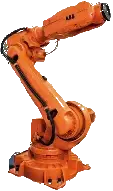
1// dotnet add package UnderAutomation.ABB2using UnderAutomation.ABB;34var robot = new AbbController();5robot.Connect("192.168.0.1");67var target = robot.Rws.MotionSystem.GetRobTarget("ROB_1");8robot.Rws.Rapid.SetSymbolValue("RAPID/T_ROB1/user/reg1", "5");9var state = robot.Rws.Panel.GetControllerState();
得られるもの
Plug & Play
わずか数分でロボットを接続できます。ライセンス マネージャーをインストールしたり、USB キーをインストールしたりする必要はありません。ライブラリのみを参照してください。
ロボットにインストールするプラグインはありません
ロボットコントローラーによって標準として提供されるネットワークプロトコルの使用。
30日間のトライアル
30日間無料で試してみてください、コミットメントなし、登録は必要ありません
一度支払い、永遠に使用してください
ロボット、開発者、または再配布されたソフトウェアの数に関係なく、永続的なライセンス、サブスクリプションは必要ありません
ABB SDK の機能: IRC5 と OmniCore 向けの Robot Web Services
各機能にコード例があります。クリックするとコード全体を表示します。
RAPID 変数とプログラム
RAPID の変数と persistent を読み書きし、タスクの開始と停止、プログラムポインタの移動、モジュールのロードと保存を行います。
AbbController robot = new AbbController();robot.Connect("192.168.0.1");// Read a RAPID variablevar counter = robot.Rws.Rapid.GetSymbolValue("RAPID/T_ROB1/MainModule/nCounter");Console.WriteLine(counter.Value);// Write it backrobot.Rws.Mastership.Request();robot.Rws.Rapid.SetSymbolValue("RAPID/T_ROB1/MainModule/nCounter", "42");robot.Rws.Mastership.Release();// Start the programrobot.Rws.Rapid.ResetProgramPointer();robot.Rws.Rapid.Start();}}
入力 / 出力
デジタル、アナログ、グループの各信号を一覧表示し、読み書きします。パルス出力や反転、I/O デバイスとネットワークの参照も可能です。
AbbController robot = new AbbController();robot.Connect("192.168.0.1");// Read every signal of the controllerforeach (var signal in robot.Rws.Io.GetSignals()){Console.WriteLine($"{signal.Name} = {signal.LogicalValue} ({signal.Type})");}// Read and write one signalvar gripper = robot.Rws.Io.GetSignal("Local", "DRV_1", "DO_Gripper");robot.Rws.Io.SetSignalValue("Local", "DRV_1", "DO_Gripper", 1);// Send 3 pulses of 500 msrobot.Rws.Io.PulseSignal("Local", "DRV_1", "DO_Gripper", 1, 3, 500, 500);}}
位置と運動学
現在の robtarget と jointtarget を取得し、順運動学と逆運動学を計算し、手動でロボットをジョグします。
AbbController robot = new AbbController();robot.Connect("192.168.0.1");// Cartesian position of the toolvar robTarget = robot.Rws.MotionSystem.GetRobTarget("ROB_1");Console.WriteLine($"X={robTarget.X} Y={robTarget.Y} Z={robTarget.Z}");// Joint anglesvar jointTarget = robot.Rws.MotionSystem.GetJointTarget("ROB_1");Console.WriteLine($"Axis 1 = {jointTarget.RobotAxes.Axis1}");// Forward kinematics, without moving the robotvar toolFrame = new Pose(0, 0, 100, new Quaternion(1, 0, 0, 0));var pose = robot.Rws.MotionSystem.GetPoseFromJoints("ROB_1", toolFrame, jointTarget);}}
コントローラとバックアップ
コントローラの識別情報とオプションを取得し、時刻とネットワークを設定し、フルバックアップの作成と復元を行います。
AbbController robot = new AbbController();robot.Connect("192.168.0.1");// Who am I talking tovar identity = robot.Rws.Controller.GetIdentity();Console.WriteLine($"{identity.Name} ({identity.Type}, {identity.MacAddress})");// RobotWare version and installed optionsvar system = robot.Rws.System.GetInfo();Console.WriteLine($"RobotWare {system.Version}");Console.WriteLine(robot.Rws.Controller.HasOption("Multitasking"));// Full controller backuprobot.Rws.Controller.CreateBackup("/hd0a/MyBackup");Console.WriteLine(robot.Rws.Controller.GetBackupState());}}
ファイルシステム
コントローラのファイルシステムを参照し、ファイルのダウンロードとアップロード、ファイルとディレクトリの作成、コピー、名前の変更、削除を行います。
AbbController robot = new AbbController();robot.Connect("192.168.0.1");// Browse a directory of the controllerDirectoryListing listing = robot.Rws.File.ListDirectory("/hd0a/RobotWare");foreach (FileItem file in listing.Files){Console.WriteLine($"{file.Name} : {file.Size} bytes");}// Download a RAPID module and upload it backstring module = robot.Rws.File.GetFileAsText("/hd0a/MyProgram/MainModule.mod");robot.Rws.File.UploadFileFromText("/hd0a/MyProgram/MainModule.mod", module);}}
イベントログと状態
イベントログを読み取り、運転モード、コントローラの状態、ロボットの速度比を監視します。
AbbController robot = new AbbController();robot.Connect("192.168.0.1");// State of the robotConsole.WriteLine(robot.Rws.Panel.GetOperationMode());Console.WriteLine(robot.Rws.Panel.GetControllerState());Console.WriteLine(robot.Rws.Panel.GetSpeedRatio());// Last events of every domainforeach (var domain in robot.Rws.Elog.GetDomains()){foreach (var message in robot.Rws.Elog.GetMessages(domain.Number, maxCount: 5)){Console.WriteLine($"[{message.Timestamp}] {message.Type} : {message.Title}");}}}}
IRC5 と OmniCore を 1 つの API で
ABB ロボットは Robot Web Services を 2 つのバージョンで公開しています。本 SDK は両方に対応しているため、同じコードが古い IRC5 でも新しい OmniCore でも動作します。変更するのは接続パラメータ 1 つだけです。
| Controller | RobotWare | Robot Web Services | Connection parameter |
|---|---|---|---|
| IRC5 | RobotWare 6 and earlier | RWS 1.0 | RwsVersion.Irc5_V1_0 |
| OmniCore | RobotWare 7 and later | RWS 2.0 | RwsVersion.OmniCore_V2_0 |
今後の予定
Robot Web Services は現在利用できます。ABB コントローラのその他のネイティブプロトコル、まず Externally Guided Motion(EGM)が開発中で、同じ SDK に追加されます。
Robot Web Services
RAPID, I/O, position, controller, file system, event log and mastership, on IRC5 and on OmniCore.
Externally Guided Motion (EGM)
Low latency motion over UDP: position stream, position guidance and path correction, for sensor and vision driven applications.
実際の動作を見る
SDK に付属するデモアプリケーションの動画とスクリーンショットです。
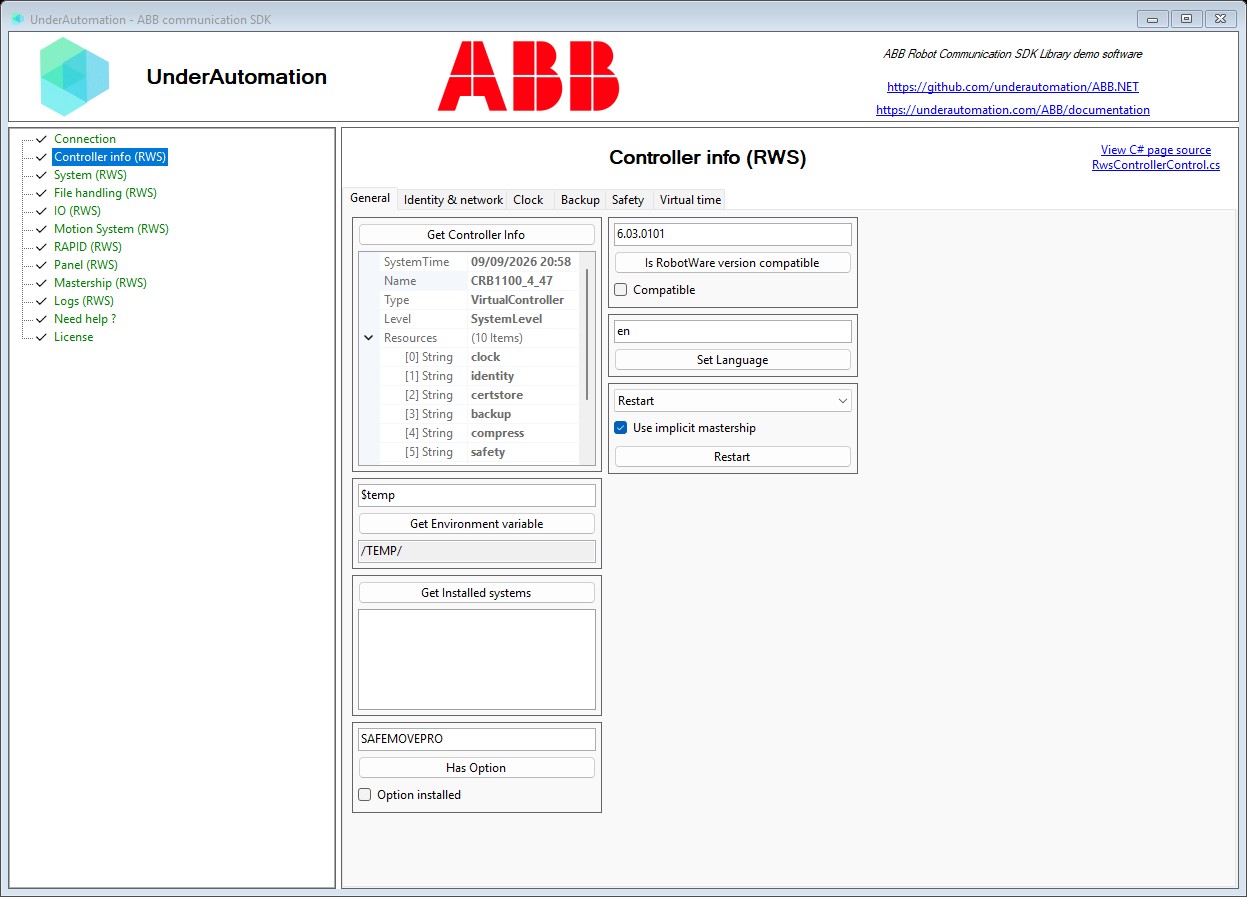
Windowsアプリケーションの例
コードは不要です。デモアプリケーションで、お使いのロボットで SDK を試せます。
Githubの例
このSDKの使用例のソースは、githubで入手できます
Pythonの例
ロボットのデカルト位置を回復するためのPythonを使用したこのSDKの操作の例。
コマンド 1 つでインストール
言語を選んでください。30 日間のトライアルは最初の使用時に始まります。登録は不要です。
.NET
C# と VB.NET 用の NuGet パッケージ。.NET Framework から最新の .NET まで対応。
dotnet add package UnderAutomation.ABBPython
PyPI の Python パッケージ。Windows、Linux、macOS に対応。
pip install UnderAutomation.ABBAI エージェント
AI コーディングエージェント(Claude Code、Cursor、Copilot など)用の Skill。アシスタントが SDK の API を理解します。
npx skills add underautomation/skills --skill underautomation-abb-csharpドキュメントを閲覧します
このドキュメントを使用すると、ライブラリですぐに開発を開始できます。 同じ機能は、すべてのサポートされている言語で利用できます。

ドキュメントを閲覧します
このドキュメントを使用すると、ライブラリですぐに開発を開始できます。 同じ機能は、すべてのサポートされている言語で利用できます。
.NETを始めよう
100%マネージドライブラリで、依存関係がなく、NuGet.orgでご希望のバージョンとアーキテクチャ (x86, x64, ARM, Linux, Windows, MacOS, .NET Framework, .NET Core, UWP, ...) で利用可能なC#またはVBでアプリケーションをコーディングできます。
Pythonを始めよう
このライブラリを使って、ロボットと通信するプログラムをPythonで素早く開発することができます。PyPIで公開されています。
Matlabを始めよう
Matlab スクリプトがロボットを動かすようにします。
ガイドとハウツー記事
ABB ロボットについて開発者からよく寄せられる質問への短い回答です。
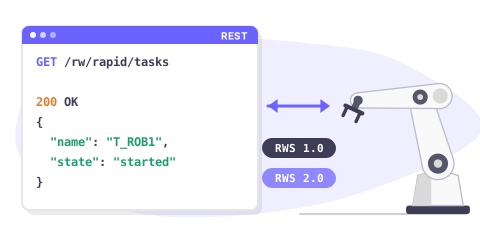
Robot Web Services overview
Robot Web Services (RWS) is the REST interface of ABB robot controllers. One API covers RWS 1.0 on IRC5 and RWS 2.0 on OmniCore.
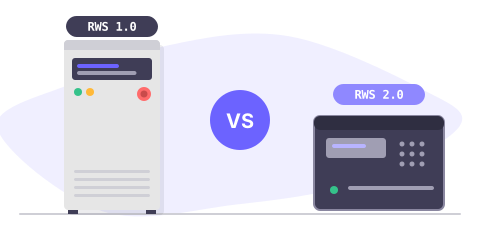
IRC5 or OmniCore: which RWS version
RWS 1.0 runs on IRC5 with RobotWare 6, RWS 2.0 on OmniCore with RobotWare 7. Compare both, and see what changes in your code.
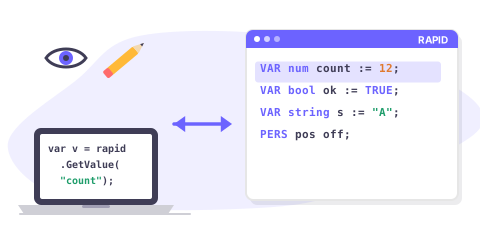
Read & write RAPID variables
Read and write a RAPID num, bool, string, robtarget or a custom record from C#, on IRC5 and on OmniCore.
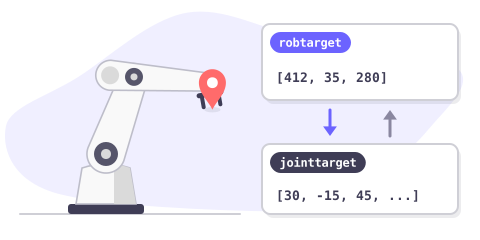
Get the robot position
Read the current Cartesian position (robtarget) and the joint position (jointtarget) of an ABB robot, and convert between them.
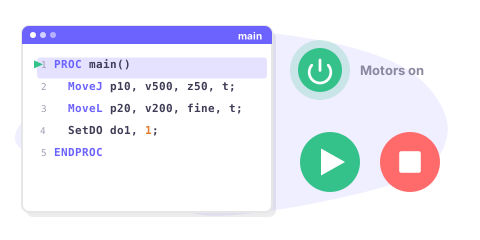
Start & stop a RAPID program
Start, stop and reset a RAPID program remotely: motors on, program pointer, execution cycle, and how to check that it really started.
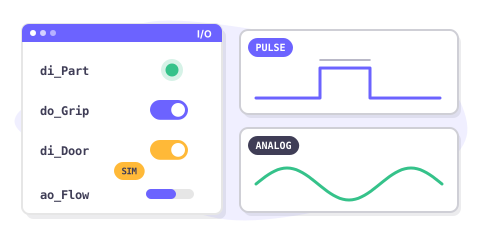
Read & write I/O signals
Read and write digital, analog and group I/O signals of an ABB controller, pulse a signal and simulate one during tests.
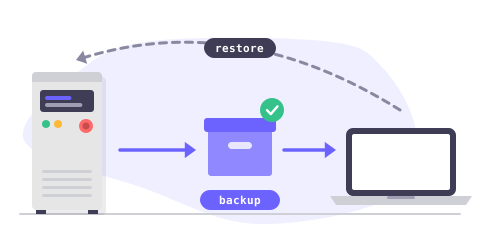
Backup & restore a controller
Create a full controller backup, download it to your PC, check it and restore it, entirely from your application.
価格
ライブラリは無料でダウンロードでき、30日間テストできます。 この期間の後、トライアル期間を延長するように頼むか、自分に最適なライセンスを購入することができます: サイト (不明瞭なバイナリのみ) またはソース (ソースコード) 。 購入後、1年のメンテナンス期間があり、サポートへの優先アクセスと更新の可能性が得られます。 使用するライセンスを購入する場合、ロボットブランドにリンクされているため、顧客に再配布するロボット、開発者、またはソフトウェアの数に関係なく、繰り返し料金を払うことなく永久に使用できます。 あなたがディストリビューターであり、お客様に当社の製品のいずれかを提供したい場合は、特別な条件と価格について話し合うためにお問い合わせください。
標準サイトライセンス
•
プロライセンス
•
ソースコードライセンス
•
よくある質問
GitHub のライブラリ
各パッケージは変更履歴とともに GitHub で公開されています。